
Driven Design
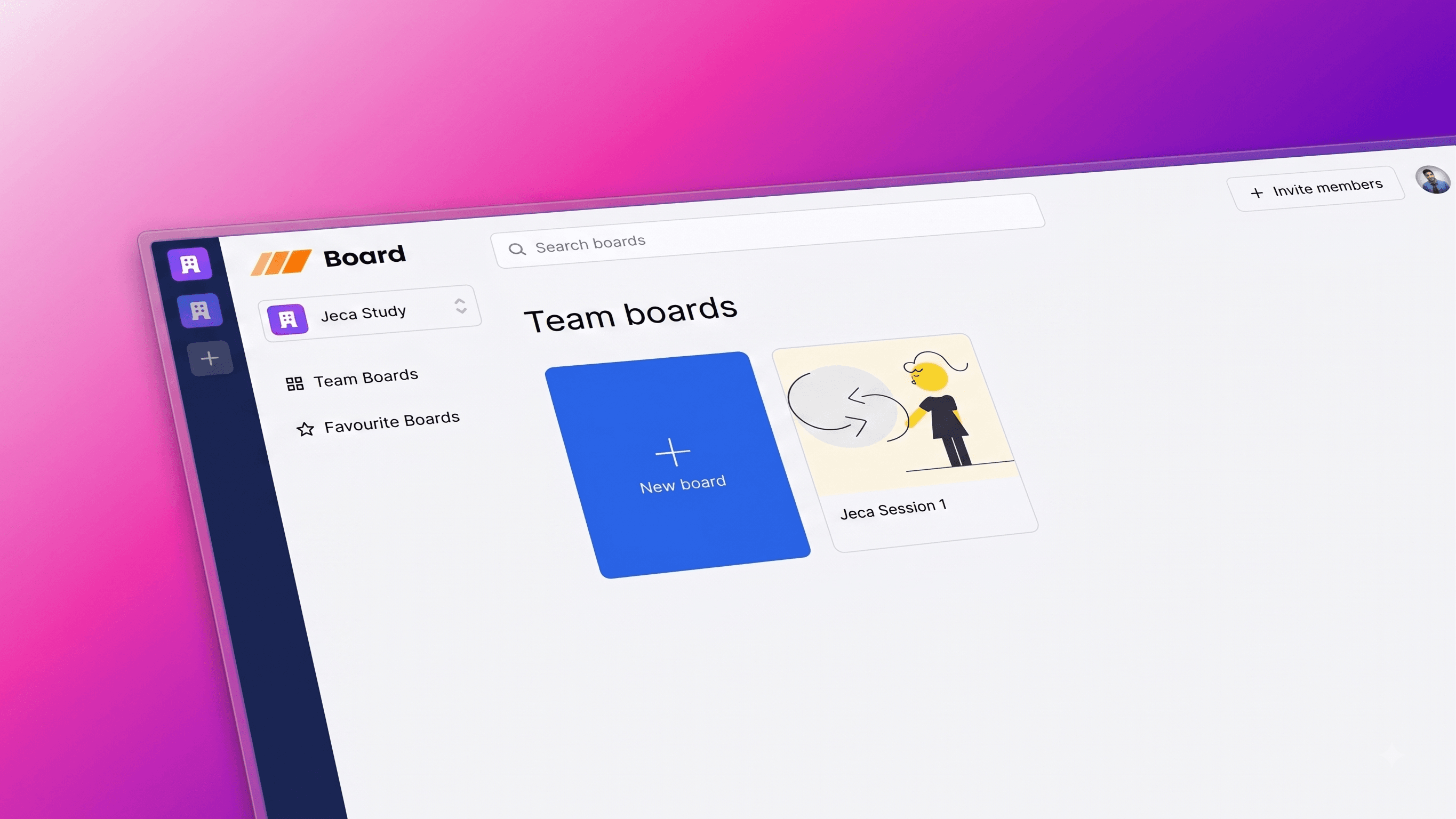
A collaborative, real-time whiteboard. Packed with features such as real-time database, whiteboard from scratch with ability to add shapes like Rectangles and Ellipses, Sticky notes and Pencil drawing.
Timeline
1 Month
Role
Full Stack Developer
Team
Solo
Status
CompletedTechnology Stack
Key Challenges
- Custom HTML5 Canvas rendering engine & mathematical coordinate projection
- Real-time multiplayer cursor tracking and presence synchronization
- Reactive real-time data persistence and optimistic mutations with Convex
- Layer management, z-indexing, and bidirectional undo/redo state history
Key Learnings
- Liveblocks multiplayer presence & room state management
- Convex reactive schema, server functions & subscriptions
- Vector math for shapes, freehand bezier smoothing & sticky note rendering
- Clerk multi-tenant organizations, invitations, and role-based access
- Zustand client state orchestration with optimistic canvas updates
Driven Design: A Collaborative Real-Time Whiteboard
Overview
Driven Design is a full-featured, real-time collaborative whiteboarding platform built from scratch. Designed for engineering teams, system architects, and creators, it enables seamless visual communication with live multi-user collaboration, real-time database persistence, interactive sticky notes, custom shapes, and freehand drawing.
🎯 Key Features
🛠️ Whiteboard from Scratch
- Custom HTML5 Canvas rendering engine built without heavy third-party canvas wrappers.
- High-performance vector rendering for ultra-smooth zoom, pan, and object transformations.
🧰 Versatile Toolbar
- Text: Insert formatted text boxes and annotations anywhere on the board.
- Shapes: Create geometric shapes including Rectangles and Ellipses with customizable aspect ratios.
- Sticky Notes: Add colorful sticky notes for agile planning, brainstorming, and feedback sessions.
- Pencil Drawing: Freehand pencil tool with smooth bezier curves and responsive stroke smoothing.
🪄 Layering Functionality
- Full z-index and layer control for complex diagrams.
- Bring to front, send to back, bring forward, and send backward operations.
🎨 Coloring System
- Rich palette selection for stroke colors, fill colors, and background highlights.
- Dynamic color pickers for shapes, text, sticky notes, and freehand sketches.
↩️ Undo & Redo History
- Full transactional undo and redo stack tracking all canvas modifications.
- Safe rollback of accidental deletes, transformations, and layering adjustments.
⌨️ Keyboard Shortcuts
- Speed up workflow with intuitive hotkeys for deleting, copying, duplicating, layer swapping, and tool selection.
🤝 Real-Time Collaboration
- Multiplayer cursor tracking with user names and avatar labels powered by Liveblocks.
- Instant live presence indicators showing active team members on each board.
💾 Real-Time Database Persistence
- Reactive data synchronization powered by Convex.
- Automatic schema enforcement, instant subscriptions, and optimistic mutations with zero client lag.
🔐 Authentication, Organizations & Invites
- Secure authentication and multi-tenancy powered by Clerk.
- Create organizations, switch workspaces, and invite team members to collaborate on shared boards.
⭐️ Favoriting & Board Management
- Bookmark important boards with the favoriting system.
- Search, filter, and organize boards across personal and team spaces.
🌐 Modern Next.js 14 Framework
- Built on the Next.js App Router for optimized server-side rendering, streaming, and fast routing.
💅 Tailwind CSS & Shadcn UI Styling
- Polished, accessible user interface with seamless dark and light mode aesthetics.
⚙️ Tech Stack
Frontend & UI
- Next.js 14: Server components, optimized routing, and edge capabilities.
- React: Component architecture and custom hook ecosystem.
- TypeScript: Strict type safety across canvas events and database schemas.
- Tailwind CSS: Modern utility-first styling.
- shadcn/ui: Accessible and customizable UI components.
- Zustand: Fast and decoupled client-side state management for toolbar and selection states.
Real-Time & Backend
- Convex: Real-time reactive backend database for board documents, organizations, and user data.
- Liveblocks: Real-time room infrastructure for live cursor tracking, multiplayer presence, and canvas object synchronization.
- Clerk: Authentication, user profiles, and organization multi-tenancy.
- HTML5 Canvas API: Native 2D context rendering for high-performance canvas operations.
🧪 Demo Account (For Testing)
You can explore the live app directly without creating a new account using the demo credentials below:
- Email:
tester@test.com - Password:
Tester
Use this account to test whiteboard collaboration, shapes, sticky notes, and other features without creating a new account.
🤸 Quick Start
Follow these steps to set up the project locally on your machine:
1. Clone the Repository
git clone https://github.com/Souvik-223/driven-design.git
cd driven-design
2. Install Dependencies
npm install3. Configure Environment Variables
Create a .env.local file in the project root and add your credentials:
# Convex Deployment & URL
CONVEX_DEPLOYMENT=
NEXT_PUBLIC_CONVEX_URL=

# Clerk Authentication
NEXT_PUBLIC_CLERK_PUBLISHABLE_KEY=
CLERK_SECRET_KEY=

# Liveblocks Real-time Key
LIVEBLOCKS_SECRET_KEY=
4. Run the Development Server
In your first terminal, start the Next.js development server:
npm run devIn a second terminal, launch the Convex backend:
npx convex devOpen http://localhost:3000 with your browser to explore the whiteboard!